
Searching Cases by Name
Kansas runs one official portal for district court case lookup. The Kansas CaseSearch site carries public case information for Wyandotte County. Smart Search needs registration first. Public events cost nothing. Search a party name for a person; use business name for a company. Common names demand extra care. Location, file dates, case type, status, and judicial officer can all narrow a crowded list. Never assume the first similar name is the right one.
Stick to facts you already know from the case. Birth-date ranges and similar identifiers can refine a private query. Keep them out of public notes, though. Even then, a result must match the court, the case type, and the filing period. Only then does it count.
- Open Kansas CaseSearch and register or sign in.
- Select party name, business name, or another suitable search mode.
- Enter the name and select Wyandotte County as the location.
- Add a file-date, case-type, status, or judge filter when useful.
- Complete reCAPTCHA and compare the likely result with known facts.
| Field | Type | Required | Use |
|---|---|---|---|
| Record/Case Number or Name | Text | Yes | Main search term |
| Search Type | Selector | Yes | Party, business, citation, attorney, officer, or number |
| Location | Dropdown | No | Choose Wyandotte County |
| Case Type and Status | Dropdowns | No | Limit the docket category |
| File Date | Date range | No | Narrow the filing period |
Wyandotte CaseSearch Location Filter
An "All locations" search can drag in similar names from courts all over Kansas. Pick Wyandotte County and the results tighten to the 29th Judicial District. That filter will not pull in city ordinance matters. Kansas City, Bonner Springs, Edwardsville, and Lake Quivira each run a separate municipal docket.
The official Smart Search guide walks through location and advanced filters. It also covers question-mark tips and the reCAPTCHA step. Try those controls before deciding two similar names are one case. A county filter shows where a district case was filed. It proves nothing about identity. Note: Confirm the court, case type, filing date, and case number. Do that before trusting a name match.
Searching by Case Number
Nothing beats an exact number. Kansas examples include 2019CV25 and RL2019CV25. Current Odyssey numbers sometimes carry a county prefix, and since Wyandotte joined eCourt in April 2023, older and newer formats can look quite different. Type the number exactly as printed on the court paper and follow the portal's formatting hint.
The letters often signal a case type. The year and sequence mark the specific filing. Neither tells you the outcome. If an exact number comes up empty, confirm each character with the clerk and ask whether the record predates the Odyssey conversion.
Best first move: Search the full case number before a common name, then verify that the result location is Wyandotte County.
Wyandotte Public and Filer Tools
Wyandotte County dockets split into separate tools, and mixing them up wastes time. CaseSearch is the public layer. Anyone can pull case records there without an account. Kansas Courts eFiling, called eFlex, serves a different crowd: authorized filers who submit documents to the court. An eFiling login does not unlock any wider public docket access. Then there is the Kansas self-help portal, which hands out forms and process guidance rather than case results.
So the rule of thumb is simple. Checking a Wyandotte County court docket? Use CaseSearch. Filing a motion? That is eFlex work. A self-represented party can grab forms from self-help, though filing rules should still be confirmed with the court itself. The official Kansas self-help resources show where forms and process help sit beside, but outside, the case search itself.
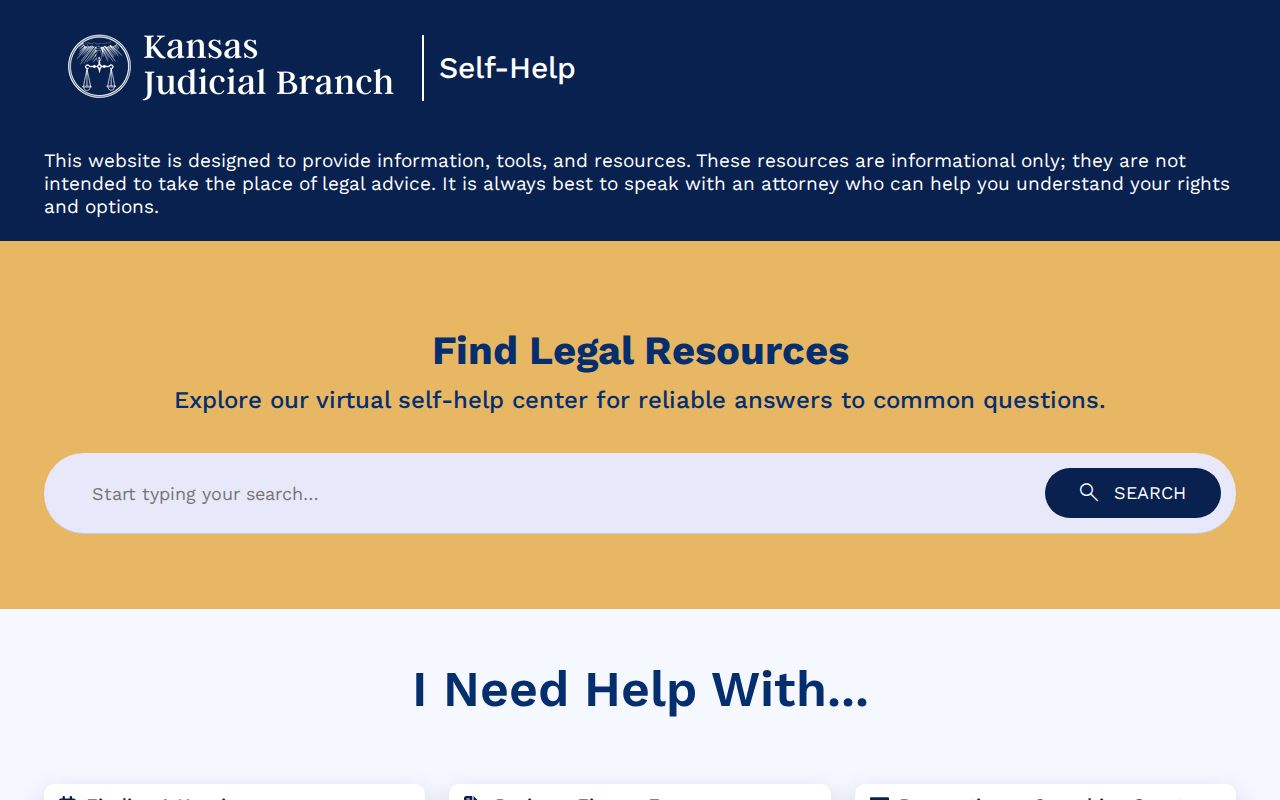
Finding a form and locating a public case are two different jobs. The official Kansas eFiling portal presents the filer-facing view below.
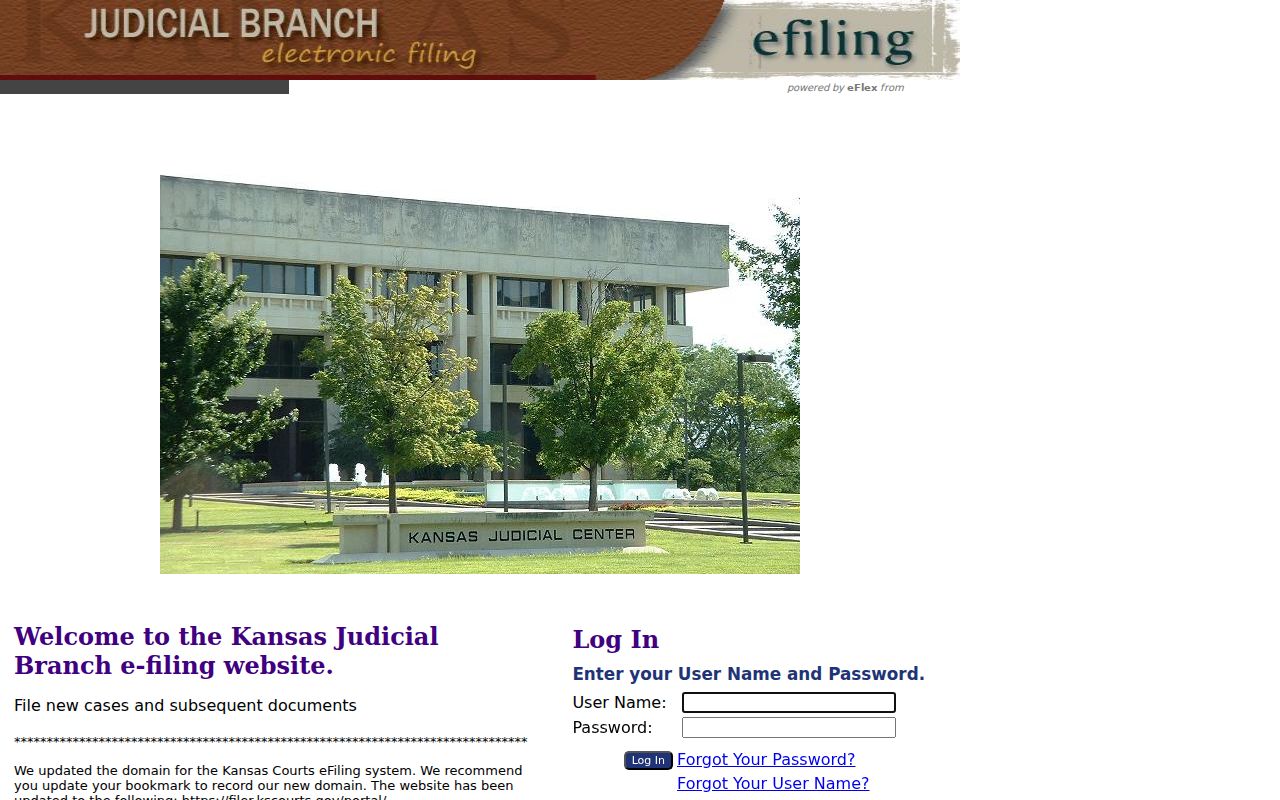
Its account controls show why eFiling is not the public Wyandotte County case search.
What a Case Search Returns
A public result opens with identifying facts plus an index of case events. The number, filing date, Wyandotte location, type, status, judge, and party roles all help confirm a match. Events can list pleadings, notices, motions, hearings, orders, judgments, and dispositions. A hearing setting may show the date, time, courtroom, hearing type, presiding officer, and result.
A document title alone promises nothing. The image may not be downloadable. Some public converted documents open only at a courthouse terminal, and a result may also state that an image is unavailable, sealed, or redacted.
| Case header | Number, filing date, location, type, status, division, and judge |
|---|---|
| Parties | Public names, roles, and attorney details where displayed |
| Events | Chronological filings, hearings, orders, and disposition entries |
| Settings | Date, time, courtroom, type, officer, and result |
| Documents | Title, filed date, image indicator, sealing, or redaction marker |
Wyandotte Kiosk Document Access
The online index is not the whole file. Kansas Supreme Court Rule 22 recognizes a second access level at courthouse terminals. Official district records guidance says public converted documents, and some items missing from the web, may sit on courthouse computers.
Wyandotte County keeps its public terminal on the courthouse mezzanine. Bring the case number, title, and filed date to the correct department counter. No terminal gets around a seal. Pre-eCourt records may live on in an older electronic store, a bound index, a physical file, or an archive. The district-court access page spells out that route.
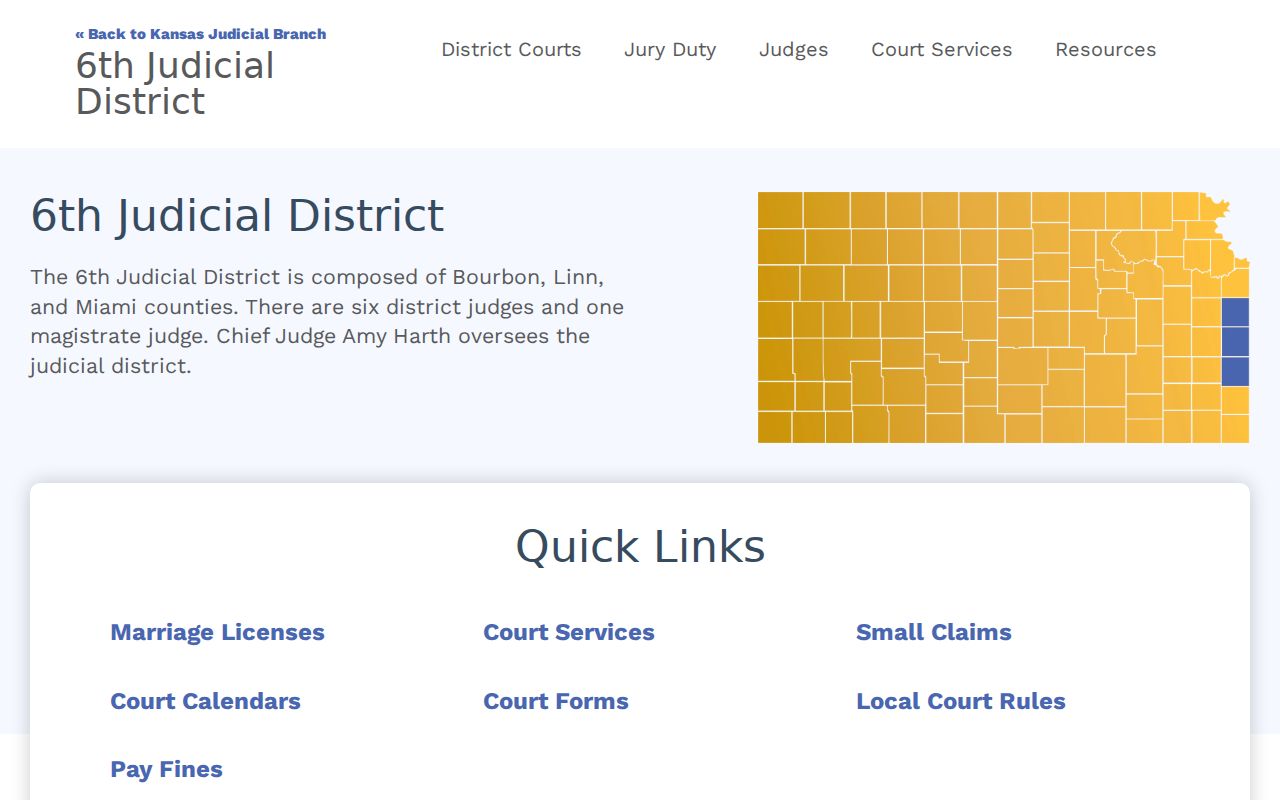
It points a searcher from an incomplete web result to a courthouse computer and the right clerk.
- Save the exact number and event title.
- Check for a public CaseSearch image.
- Ask whether the item is public at the terminal.
- Order a plain or certified copy only after choosing the needed format.
Statewide vs County Case Search
Wyandotte has no separate district portal with deeper local results. Kansas CaseSearch serves as the statewide layer for the 29th Judicial District. The county fallback is the local clerk and terminal, while municipal courts stay separate.
| Channel | Coverage | Best use |
|---|---|---|
| Kansas CaseSearch | Kansas district courts | Name, number, citation, status, and events |
| Wyandotte clerk and terminal | 29th District files | Older files, absent images, and copies |
| Municipal clerk | One city ordinance court | City tickets and dates |
| Kansas eFiling | Authorized filers | Submitting, not researching, documents |
Look at the court named on your order or citation. That court decides where you search. The legacy Odyssey public portal is the official page that appears in the final assigned search image.
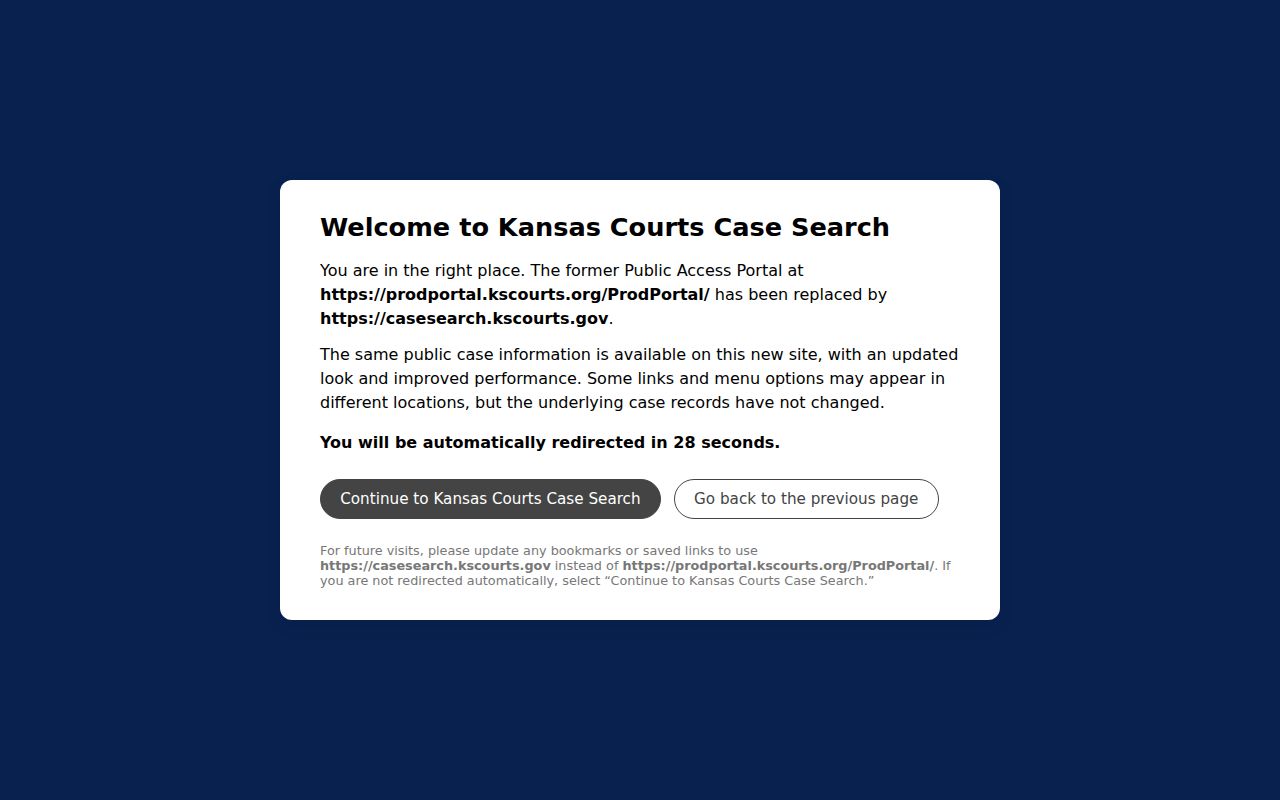
The older interface remains useful context, but current searches should start at Kansas CaseSearch.
Wyandotte Search or Certified Record
Know what you are asking the clerk for before you order anything. A browser search result is just an index. A plain copy simply reproduces a filed item. A certified copy carries the clerk's formal certification. A transcript must come from the court reporter. So pin down the exact judgment, order, pleading, or docket sheet first. The Wyandotte County court records process walks through clerk requests and certification. One caution: the local docket-fee page gives no reliable current copy charge. Ask the clerk for an estimate up front. Note: state the document title and the certification level. Skip that, and you may get nothing more than an events printout.
Access and Restricted Cases
Not every case is open to the public. Juvenile-offender and child-in-need-of-care files may be restricted or missing entirely. The same goes for sealed or expunged records, and some domestic, adoption, or guardianship material. A blank result can also come from a stray filter, an older file, a municipal court, or a legal limit. That is different from true confidentiality. Kansas Supreme Court Rule 22 sets the rules for web and terminal access. The Kansas Open Records Act gives you a request path. It cannot turn confidential court material public. If something is withheld, ask whether a public portion can be released. Request the legal basis in any written denial.
A terminal can expand access to public documents, but it cannot disclose a sealed or legally confidential record.
Missing Wyandotte Case Results
A Wyandotte County docket search came back empty? Widen the filters and verify the case number before anything else. Then figure out which court the caption belongs to: district, municipal, appellate, or federal. Contact that clerk directly with the filing date and the party's role. The clerk can check an older index or point you to a terminal. An empty query proves nothing about whether the case exists. Whatever court is named on the citation, order, or caption is your best next step.